
AI SFX GeneratorText-to-SoundBPM ControlLoop ModeCommercial License
AI Sound Effect Generator — Custom SFX from Text
Use this AI Sound Effect Generator to create custom audio effects and ambient soundscapes straight from a text prompt. Type your scene, set timing or loops, and get ready-to-use audio in minutes.
Hot templates
Examples to start from
Nothing here yet. Your generations show up on this side.
No songs in your library yet — make one first, then come back for its cover.
Style
Estimated cost credits · refunded automatically if the render fails
Generate this clip?
Credits are taken when the clip starts and refunded if it fails.
- Model
- Price
5 credits per run · 10 free credits on sign up.
AI Sound Effects You Can Create Online
🎬
Orchestral impact hit
Generate heavy cinematic booms, sub-bass drops, and trailer risers with precise pitch control.
🌧️
Rain on a tin roof
Produce atmospheric background noise, continuous weather soundscapes, and natural textures.
🕹️
Retro game coin
Make 8-bit arcade bleeps, power-ups, menu clicks, and interface chimes for games and apps.
🎙️
Podcast intro sting
Create punchy sonic logos, transition whooshes, and melodic sweeps tuned to your brand key.
🛸
Deep sci-fi drone
Craft eerie spaceship interiors, futuristic machine hums, and modulated synth layers effortlessly.
🥁
Lo-fi drum loop · 85 BPM
Dial in exact tempo and musical keys to create rhythmic beat loops ready for immediate layering.
Any Sound from a Sentence
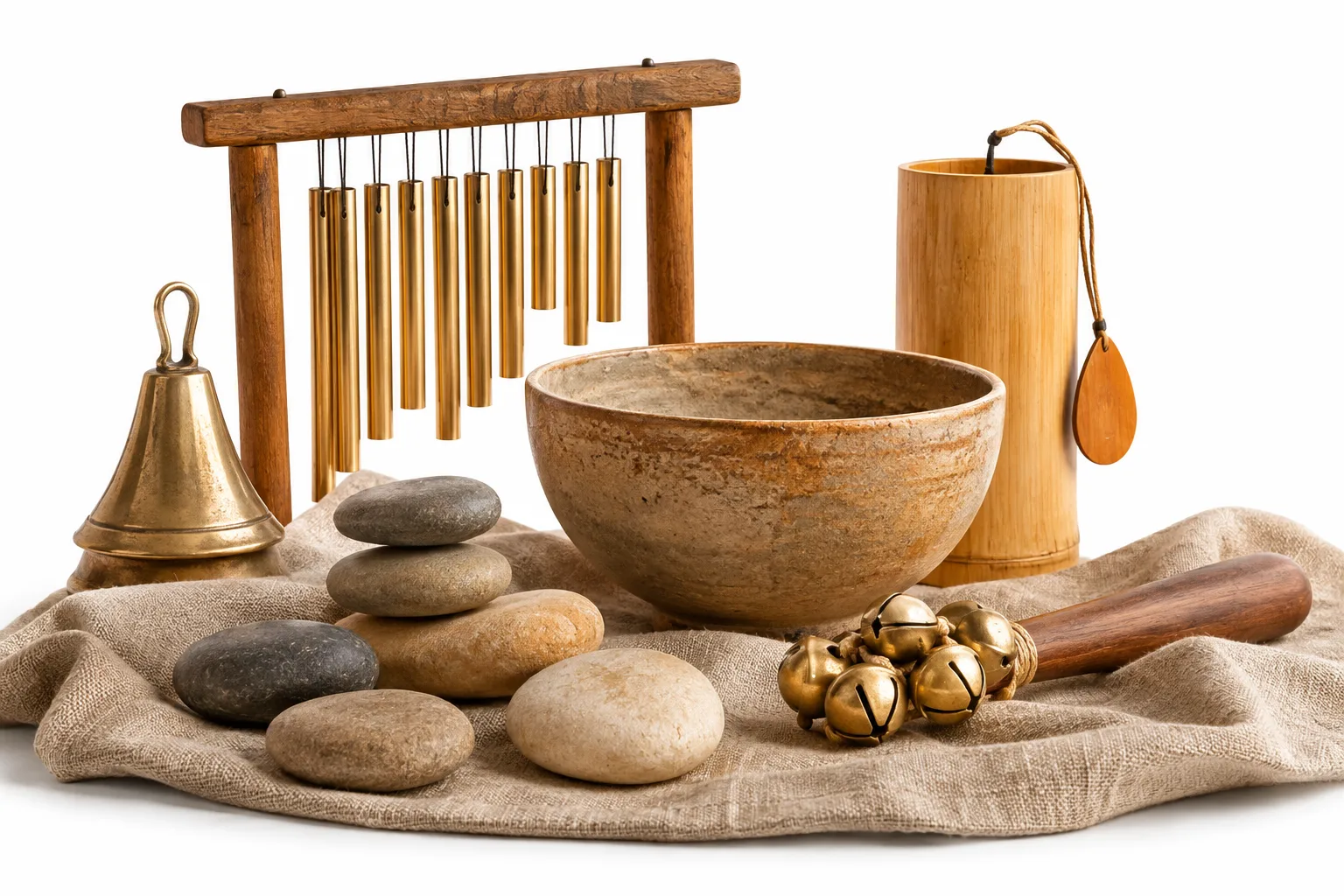
Type up to 500 characters describing your sound effect. The AI audio engine interprets texture, environment, and impact instantly.
Loops in Time and Key
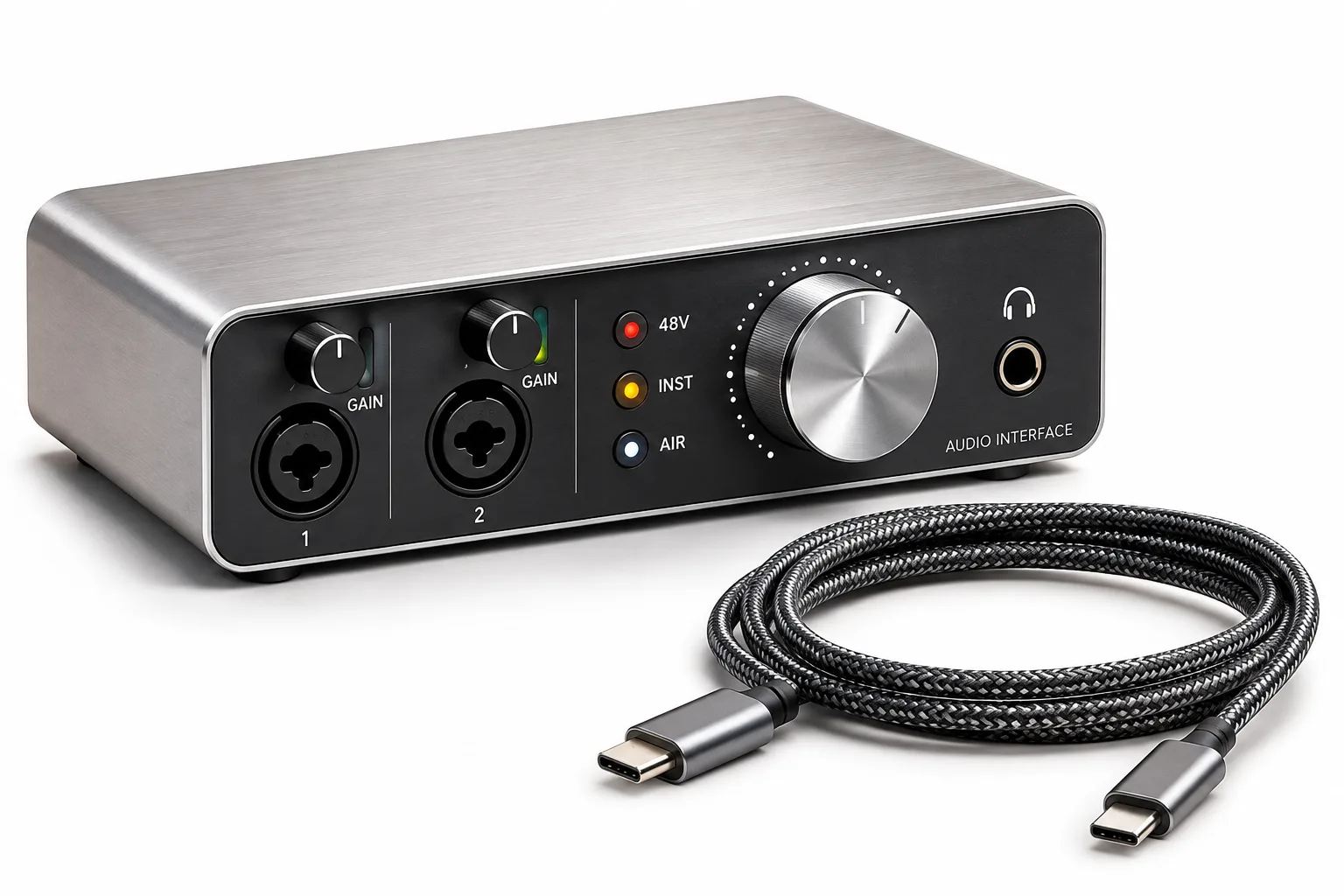
Choose exact durations from 1 to 22 seconds, toggle seamless looping, and assign BPM and musical keys to match your project.
How to Use the Free AI Sound Effect Generator
1
Describe the sound
Enter your prompt in plain words. Detail the physical material, acoustic space, reverberation, and intensity for precise audio synthesis.
2
Set BPM, key or loop
Pick from 1 to 4 takes, select a fixed length up to 22 seconds, turn looping on or off, and assign an optional tempo or root key.
3
Generate and download
Run the model for 5 credits. Preview your generated sound effects directly in the browser and save your favorite takes to your library.
Need a sound effect right now?
Type your prompt and generate custom audio in minutes.
AI Sound Effect Generator Features
Text to sound
Transform descriptive text into rich sound design without recording gear or scouring stock libraries.
Multiple model takes
Choose V6, V6_MINI, or V6_WILD models and generate up to 4 variations per run to compare distinct audio interpretations.
BPM and key control
Lock your audio effects to specific tempos and musical keys from C to Bm to harmonize smoothly with your score.
Seamless loops
Activate the loop switch to produce repeating soundscapes, constant engine revs, or cyclic game ambient audio.
Duration flexibility
Keep natural audio length as generated or cut precisely to any step between 1 and 22 seconds.
Free credits to start
Get 10 free credits when you sign up—enough to test 2 runs of our online sound generator with no commitment.
Best Audio Tool for Creators
🎬
Video editors and streamers
Design cinematic risers, foley, and ambient noise to match your video cuts. Generate multiple takes in minutes without searching through static sound libraries.
🎮
Game developers
Craft interactive audio, monster roars, and laser blasts with custom lengths and loop toggles. Build tailored assets that fit your gameplay directly.
🎙️
Podcasters
Produce crisp intro stingers, transition cues, and scene textures to keep listeners engaged. Dial in BPM and key settings to match your show's mood.
🎛️
Music producers
Create rhythmic textures, one-shots, and build-ups tuned to specific keys and tempos. Pair your results with an AI Song Maker workflow to finish tracks faster.
What is an AI Sound Effect Generator?
An AI Sound Effect Generator turns written descriptions into studio-ready audio clips. Type up to 500 characters describing any sound, select your preferred model from V6, V6_MINI, or V6_WILD, and generate 1, 2, or 4 takes at once. Control exact duration from 1 to 22 seconds, lock in a specific BPM and musical key, or turn looping on for seamless backgrounds. Usage rights follow your chosen plan and the terms of service on our pricing page.
Frequently Asked Questions
What sounds can this AI Sound Effect Generator make?
You can generate nearly any sound effect by describing it in up to 500 characters of text. The generator produces ambient atmospheres, cinematic impacts, foley movements, sci-fi lasers, interface clicks, and musical stingers. Pick between V6, V6_MINI, and V6_WILD models depending on how experimental you want your audio to sound.
Can I set the tempo and musical key?
Yes, you can specify both BPM and musical key directly in the tool settings. Enter any tempo up to three digits and choose from 15 key options, including major and minor keys from C through B, or leave it set to Any. This helps sound effects blend naturally into music tracks or video scores.
How does the loop setting work?
Switching the Loop toggle on prompts the model to generate seamless audio designed to repeat without abrupt cuts. It works well for background ambiences, rain, engine hums, and game room tones. You can combine looping with a set duration from 1 to 22 seconds to fit your exact media timeline.
How long can each generated sound effect be?
You can choose an exact duration between 1 and 22 seconds, or select As Generated for a clip that lasts a few seconds. Setting a specific length cuts or loops the sound to meet your requirements, giving you precise control over stingers, hits, or extended ambient soundscapes.
Can I use the generated sound effects commercially?
Usage rights depend on your active plan and Elve terms of service. We do not grant automatic unrestricted commercial or royalty-free ownership across all tiers. Please check our pricing page and terms of service to review the specific licensing and commercial permissions that apply to your account before publishing.
How many credits does each generation cost?
Each generation run with the Sound Effects tool costs 5 credits. New accounts receive 10 free credits upon signup, which lets you create up to two sound effect generations for free. If you need more credits, you can purchase one-time credit packs or subscribe to monthly plans starting at USD 9.9.
Generate Custom Audio with Our AI Sound Effect Generator
Turn any prompt into realistic sound effects in minutes. Start with 10 free credits on signup and test multiple variations online.