
Full-Track Visuals
AI Music Video Generator
Turn Songs into Finished Videos
Use this AI Music Video Generator to turn your audio track into a synchronized music video with custom artwork, on-screen lyrics, and optional lip sync in minutes.
Creators use this free AI Music Video Generator to produce social releases, teasers, and full visualizers right in the browser. Short tracks finish in minutes, while longer projects take only slightly more.
Real photosAnime artIllustrationAI-generated art

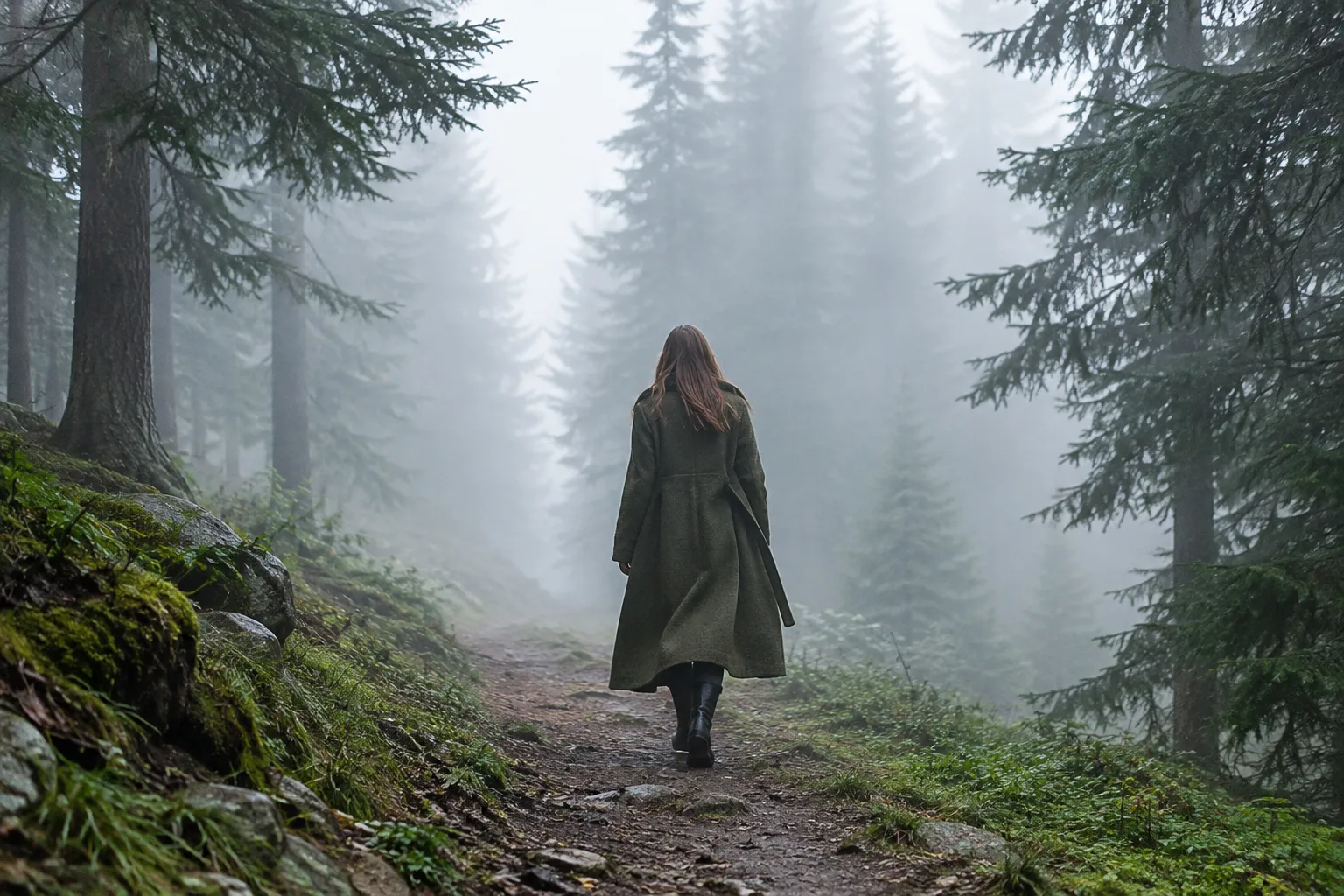
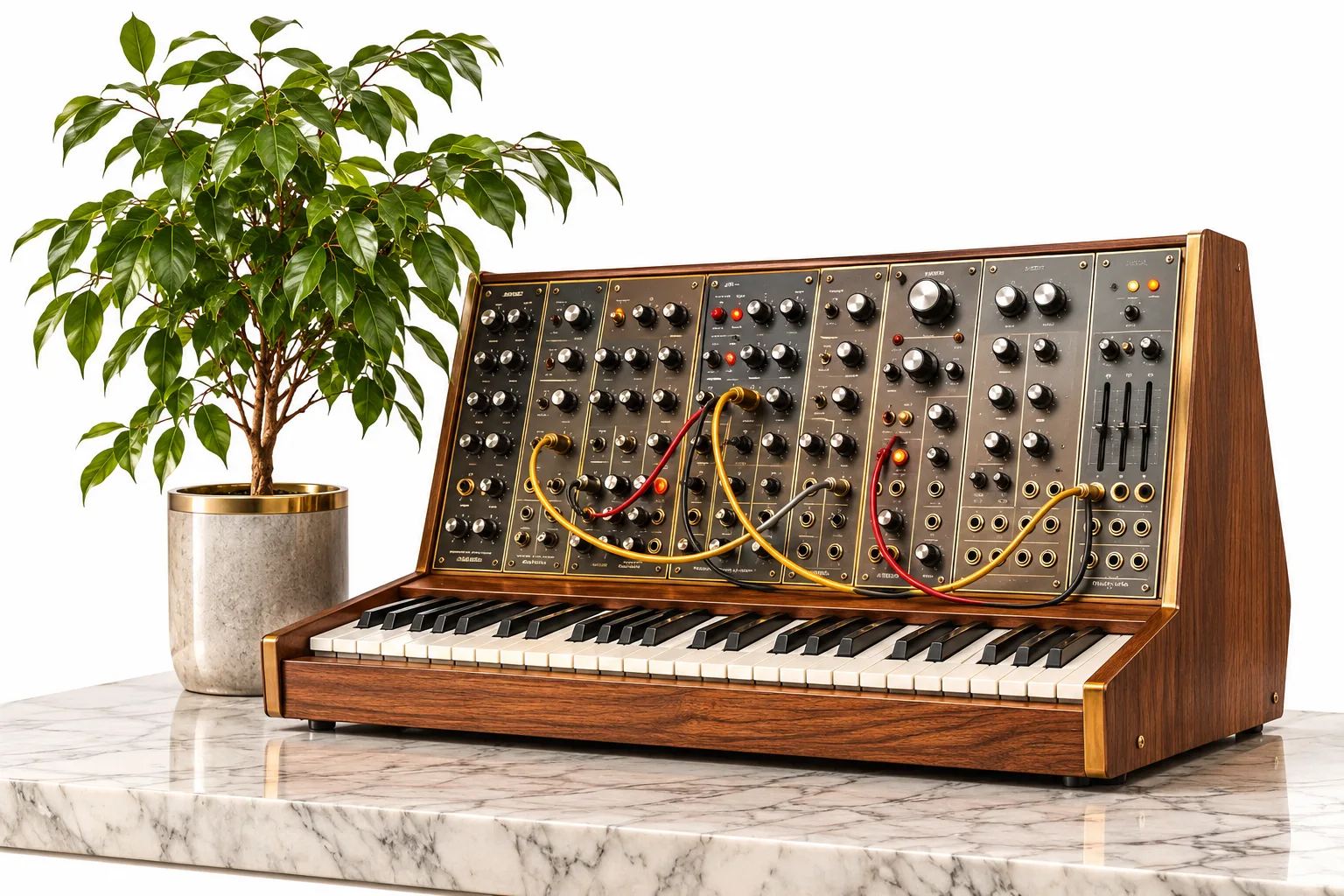
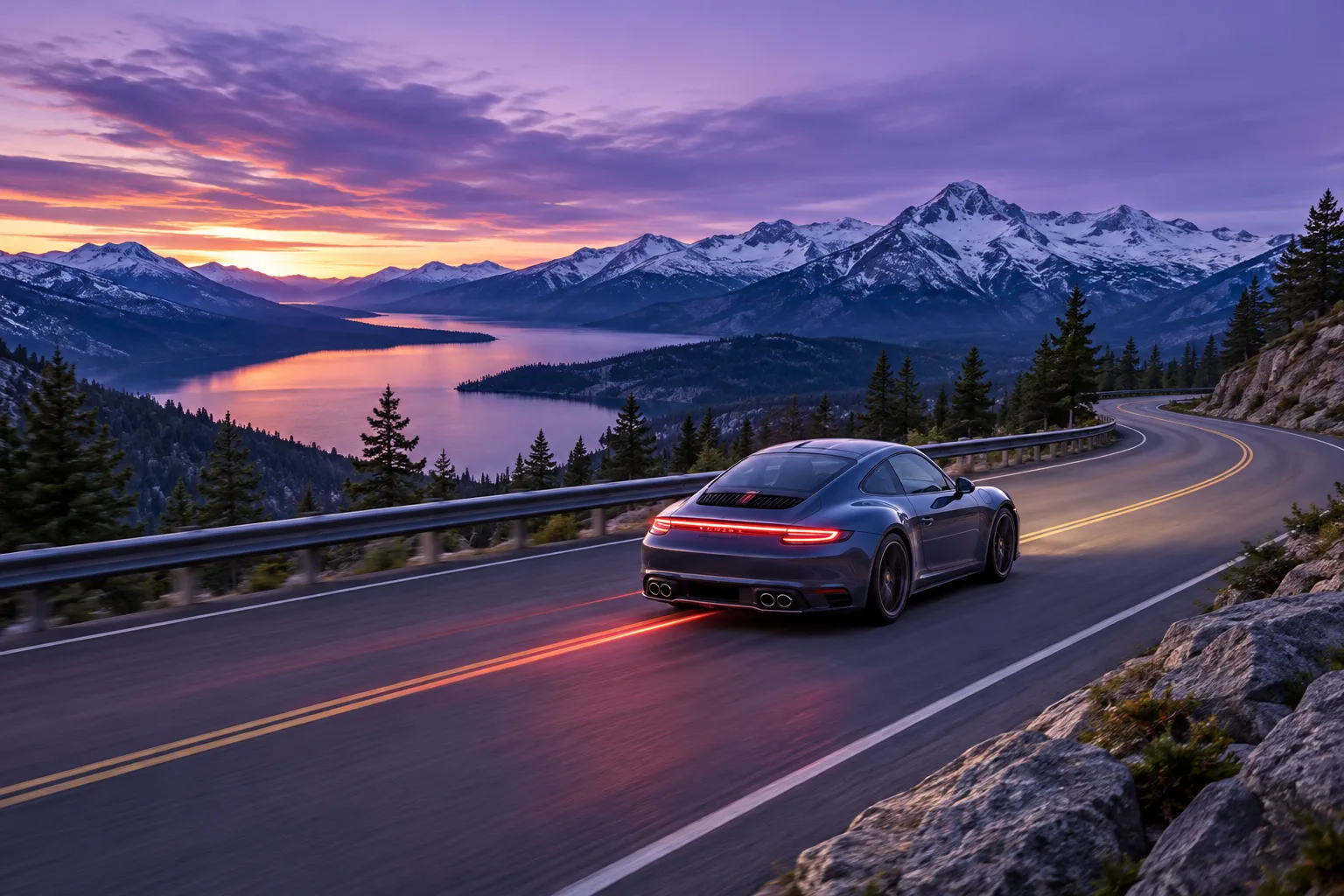

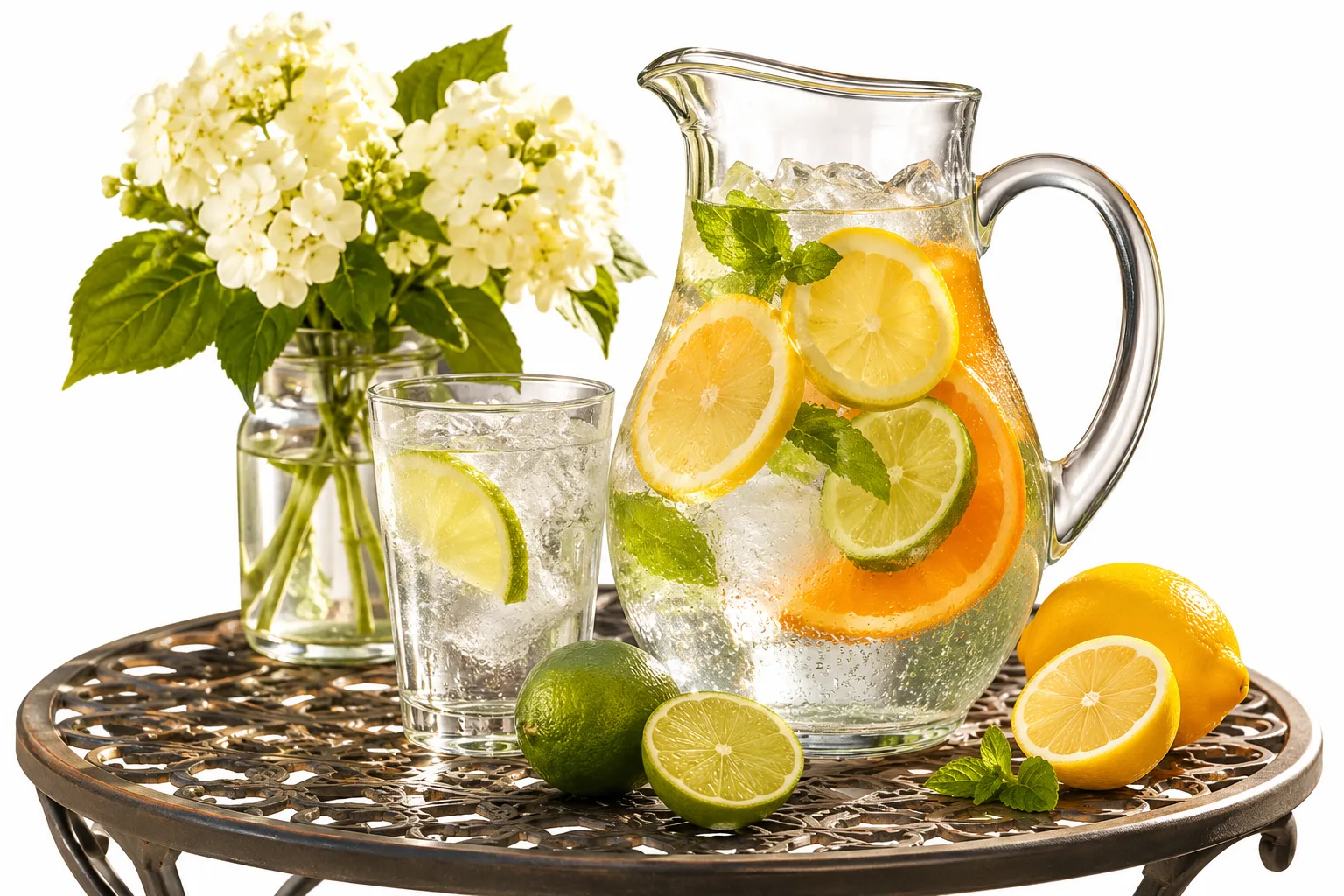

5 min
Full-Song AI Music Video Generator from Audio
Usage rights follow your selected plan and the terms of service (see the pricing page). Your uploaded audio and images stay private and process securely in the cloud.
Other AI tools · 30s
Up to 5 min
0:001:002:003:004:005:00
Hot templates
Examples to start from
Nothing here yet. Your generations show up on this side.
No songs in your library yet — make one first, then come back for its cover.
Style
Estimated cost credits · refunded automatically if the render fails
Generate this clip?
Credits are taken when the clip starts and refunded if it fails.
- Model
- Price
Rendering takes 3 to 25 minutes depending on length; failed renders are refunded automatically.
Music Videos Made with Elve
Produce ready-to-share music videos before booking expensive studio time. No complex timeline software or prior video editing skills needed to get a clean, usable result.
Sailing at dusk
City rain walk
Late-night laundromat
Studio session
Glass conservatory
Porcelain express
Vertical 9:16 for TikTok, Shorts, and Reels
Why Creators Choose This AI Music Video Maker
Direct your visual style with intuitive controls for pacing, backgrounds, and lyric overlays. Usage rights follow your plan and terms of service (see the pricing page).
01
Full-length videos, not short clips
Turn entire songs into synchronized music videos without arbitrary length cutoffs. Ideal for testing visual concepts before planning full production shoots.
02
Upload MP3, WAV, or M4A audio
The tool accepts MP3, WAV, and M4A audio alongside images in PNG, JPG, WEBP, or GIF. Render finished videos in 720p HD or 1080p Full HD.
03
Custom backgrounds and transitions
Mix your photos with themes like Aurora, Sunset, Ocean, Neon, or Sound waves, and cut between scenes using Fade, Slide, Dissolve, or Zoom transitions.
04
Optional front-facing lip sync
Animate a real, front-facing face in your uploaded photo to sing the opening 15, 30, or 60 seconds of your track with automated facial movement.
05
Customizable on-screen lyrics
Paste lyrics up to 5,000 characters, position text at the center or bottom, and pick colors like White, Yellow, Cyan, or Pink to fit your aesthetic.

06
Flexible aspect ratios
Export in 16:9 Landscape for YouTube, 9:16 Vertical for social feeds, or 1:1 Square. Adjust watermark display and add custom signature text.
How to Make a Video with the AI Music Video Generator
Get started with 10 free credits upon signup—enough to run your first render. Export polished videos ready for YouTube, TikTok, or client previews.
1
Upload 1 to 7 images
Add up to 7 photos or artwork files in PNG, JPG, WEBP, or GIF. The generator transitions across your images to build a coherent visual storyline.
2
Add your song and lyrics
Upload an MP3, WAV, or M4A audio file—or bring in a track from an [AI song maker](/ai-song-maker). Paste optional lyrics up to 5,000 characters.
3
Select resolution and styling
Choose your aspect ratio, 720p or 1080p resolution, transitions, and optional lip sync for the opening segment before hitting render.
4
Generate and download
Export finished videos in 720p or 1080p with flexible aspect ratios for YouTube, TikTok, and Instagram feeds. Account usage rights follow your selected subscription tier and the terms of service on the pricing page.
Who Creates with Our AI Music Video Generator?
Turn any MP3, WAV, or M4A track into a stylized video with synced motion, custom backgrounds, and readable lyrics.
Independent musicians
Pair original songs with dynamic backdrops or your own cover artwork. Export in 16:9 landscape for YouTube drops or 9:16 vertical for social releases without high production costs.

Beatmakers and producers
Convert instrumental beats and demo recordings into engaging video previews. Apply animated sound waves and custom artist signatures to protect and brand your catalog across channels.
Content creators
Generate vertical short-form music clips for TikTok and Reels without manual video editing. Upload up to 7 photos, format lyrics, and produce attention-grabbing video content fast.
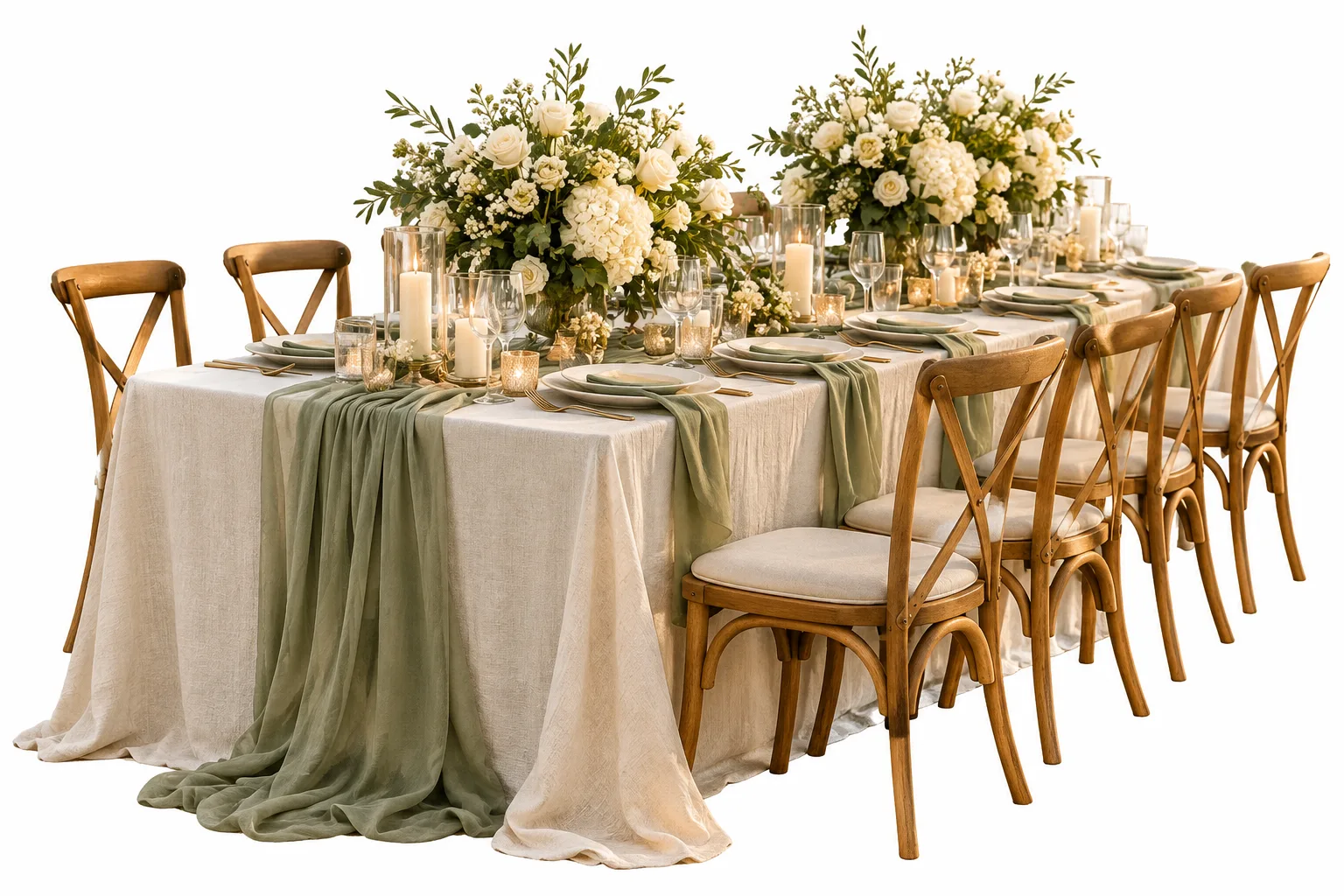
Visual artists and illustrators
Combine static digital art in PNG or JPG format with original audio tracks. Switch between zoom, dissolve, circle, and slide transitions to turn still illustrations into flowing visualizers.

Marketing teams and labels
Prepare promotional assets for single releases and tour campaigns in minutes. Test atmospheric backgrounds like neon, ocean, or sunset to match the mood of every promotional rollout.
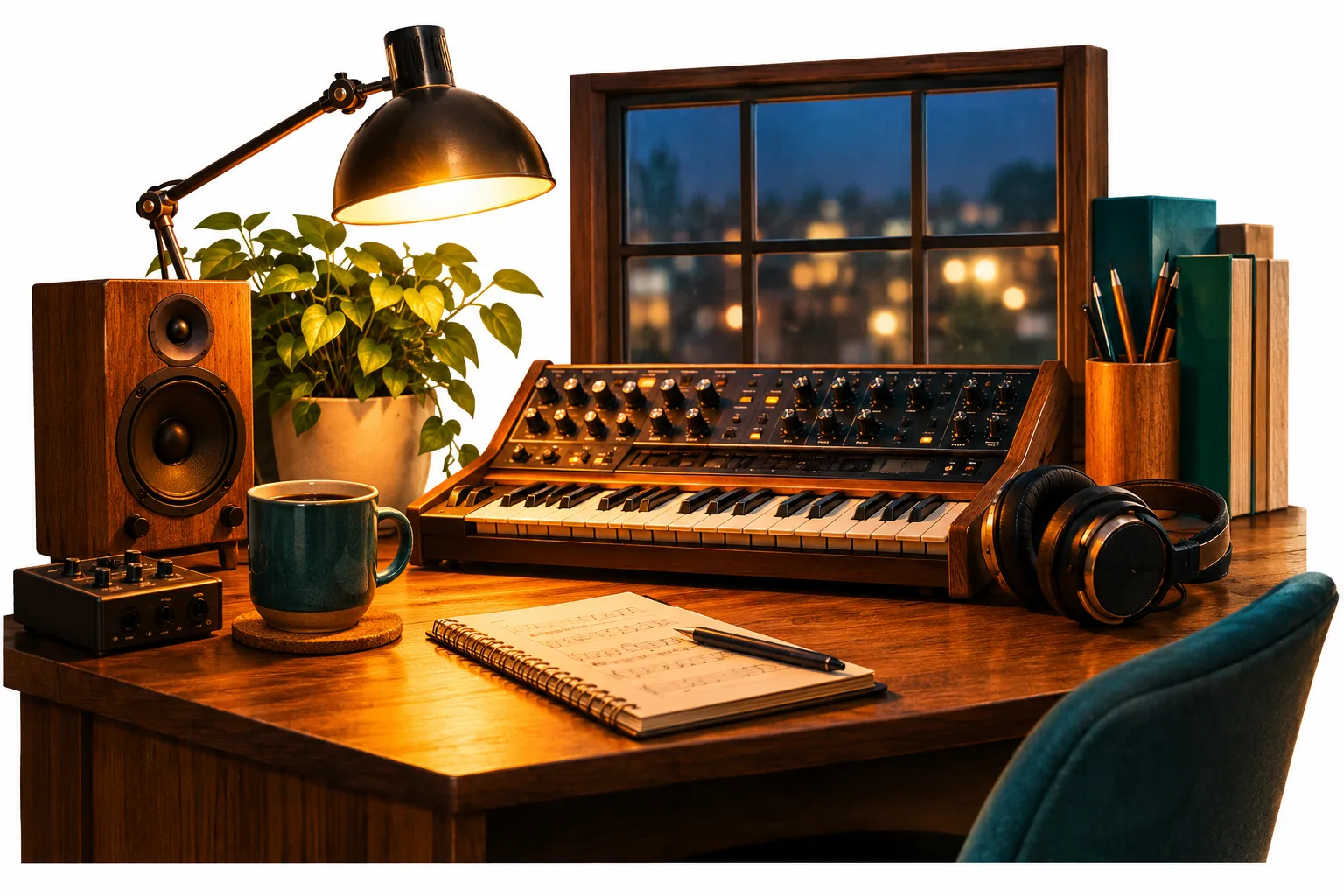
Songwriters and vocalists
Highlight song lyrics with adjustable subtitles in multiple colors and placements. Activate opening lip sync with a front-facing artist portrait to build an immediate personal connection.
How Does an AI Music Video Generator Work?
An AI music video generator converts audio files into complete visual presentations automatically. On Elve, upload your song as an MP3, WAV, or M4A file, paste optional lyrics up to 5,000 characters, and add 1 to 7 pictures. Choose from presets like neon, aurora, ocean, or custom cover art, then set your preferred transitions—such as dissolve, slide, or zoom. If your track was created using our tool to [generate full tracks from text](/tool/ai-song-generator), you can immediately turn that audio file into a full-length video.
Select between 720p HD for fast social sharing or 1080p Full HD for sharp YouTube uploads in 16:9, 9:16, or 1:1 format. You can customize lyric placement, font colors, and sizes, or turn lyrics off completely for an atmospheric visualizer. For artist portraits, activate the optional opening lip-sync feature for the first 15, 30, or 60 seconds using a clear, front-facing image. Every run renders directly in your browser, helping you produce engaging music visuals with minimal effort.
Elve AI Music Video Generator FAQ
Answers about formats, credits, lip sync, and video export settings.
Is there an AI that can make a music video from a song?
Yes, Elve turns your uploaded audio track into a finished music video directly in your browser. Upload an MP3, WAV, or M4A file, select an aspect ratio, pick a background scene, and set transitions to render a complete video file.
Can ChatGPT create a music video?
No, ChatGPT only produces text prompts, scripts, or lyrics, but it cannot render video files or animate music. You can take lyrics written in ChatGPT and paste them into Elve to generate a real 720p or 1080p music video.
Is this AI music video generator free to use?
Yes, new accounts receive 10 free credits upon sign-up. A standard music video run without optional lip sync costs 10 credits, meaning your free signup credits cover one full video generation. Additional monthly plans and credit packs are available if you need more renders.
Which AI is best for music videos?
The best tool provides flexible aspect ratios, subtitle controls, and clean rendering without complicated editing timelines. Elve lets you combine audio uploads, portrait lip sync, multiple background themes, and customized typography into one streamlined workflow.
Can I make an AI music video with my face or lip sync?
Yes, you can enable opening lip sync by uploading a real, front-facing photo of a face. You can choose to lip-sync the first 15 seconds for 240 credits, 30 seconds for 480 credits, or 60 seconds for 960 credits.
Can I generate an AI music video from an MP3 or audio file?
Yes, you can upload 1 audio file in MP3, WAV, or M4A format, or paste a direct audio link up to 300 characters. The generator synchronizes your audio with your uploaded images, background choices, and visual transitions.
Can I display lyrics on screen or turn them off?
Yes, you can paste lyrics up to 5,000 characters and set text position to Auto, Center, or Bottom. You can also customize font colors and sizing, or toggle the 'No lyrics on screen' switch to produce a purely instrumental visualizer.
What video resolutions and aspect ratios can I export?
You can export in 720p HD for fast social posting or 1080p Full HD for high-definition streaming. The tool supports three aspect ratios: 16:9 Landscape for YouTube, 9:16 Vertical for TikTok and Reels, and 1:1 Square for social feeds.
Can I make an AI music video without a watermark?
Yes, the creation form includes an explicit watermark toggle that you can switch off before generating your video. You can also add your own artist name and a custom signature up to 80 characters to brand your release.
How many images can I upload for one video?
You can upload between 1 and 7 images in PNG, JPG, WEBP, or GIF format. The generator cycles through your uploaded artwork using your chosen transition style, such as Mixed, Fade, Slide, Circle, Dissolve, Zoom, or Cut.
Does the tool support non-English songs?
Yes, the music video maker supports both English and non-English music. Simply switch the Music Language setting to 'Non-English' to ensure accurate lyric display and proper visual timing for international songs across any genre.
Who owns the rights to the generated music videos?
Usage rights for generated videos follow your active plan tier and Elve's terms of service. Review the specific terms on the pricing page before commercial distribution or monetization to ensure your project complies with current account policies.
Can I use the generated music videos commercially?
Usage rights for generated videos depend directly on your active plan and the terms of service on Elve. Check the pricing page for specific licensing rules before distributing your video across streaming or social channels. Each export uses credits according to your chosen resolution, aspect ratio, and optional lip sync settings.
Explore More Elve Tools
AI Song Generator
Produce full tracks with vocals using our AI Music Generator, then turn them into videos.
Singing Video
Animate a front-facing portrait to sing your audio track word for word.
Cover & Poster Maker
Design custom cover artwork and promotional posters for any music release.
Stem Splitter
Isolate vocal tracks from backing instruments for clean remixes and karaoke.
Try the Free AI Music Video Generator
Upload your MP3, select your visual theme, and export finished HD videos in minutes.