AI InstrumentalUpload Vocals50+ StylesAll GenresCommercial License
AI Add Instrumental – Add Backing Tracks to Vocals
AI Add Instrumental generates full backing music directly under your vocal recording. Upload your audio take, describe your instrumentation, and let Elve build a matched arrangement in 2–3 minutes.
Hot templates
Examples to start from
Nothing here yet. Your generations show up on this side.
No songs in your library yet — make one first, then come back for its cover.
Style
Estimated cost credits · refunded automatically if the render fails
Generate this clip?
Credits are taken when the clip starts and refunded if it fails.
- Model
- Price
25 credits per run · ready in 2–3 minutes.
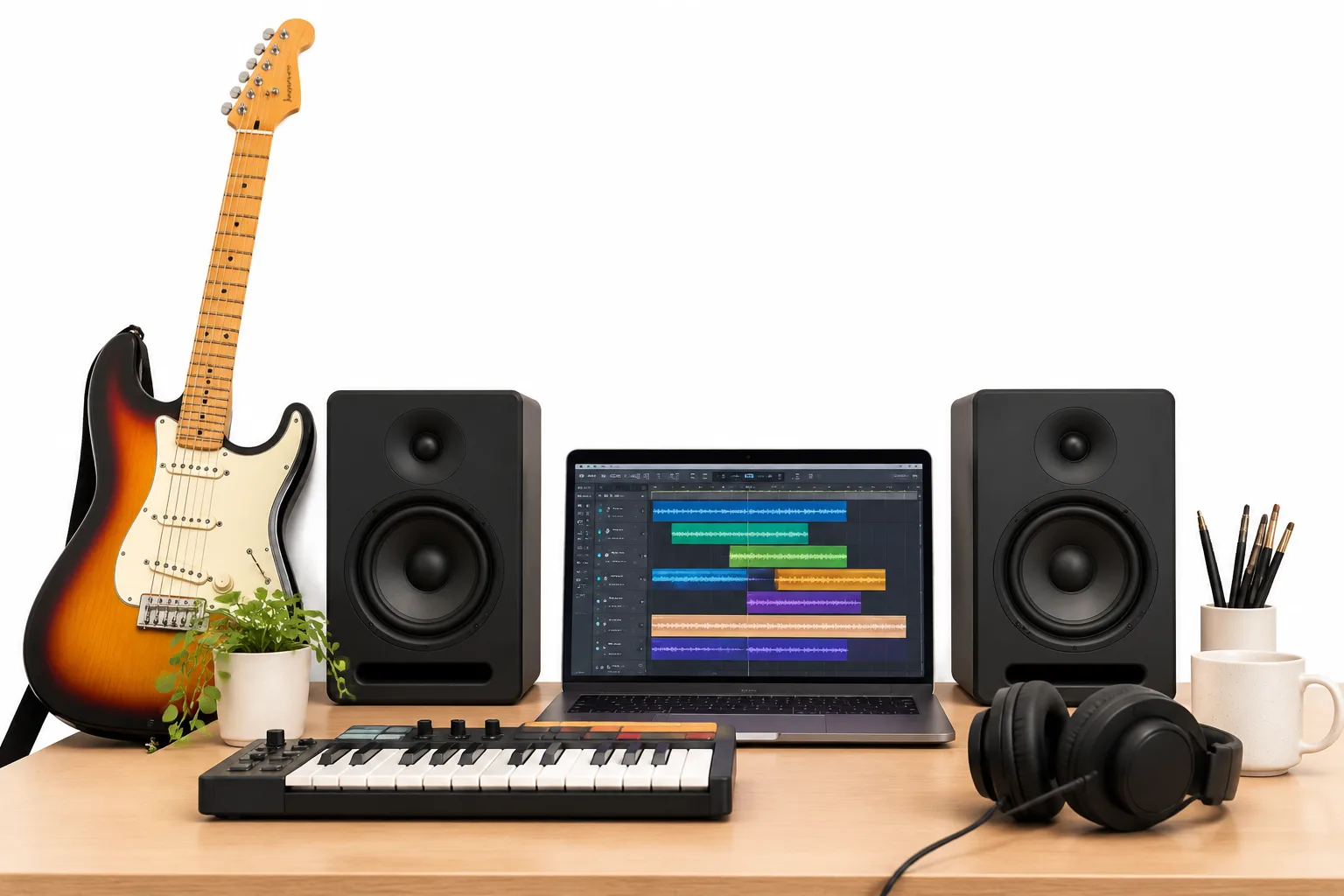
Arrange a Full Band
Pair your vocal track with authentic drums, basslines, and melodic synths tailored to your timing.
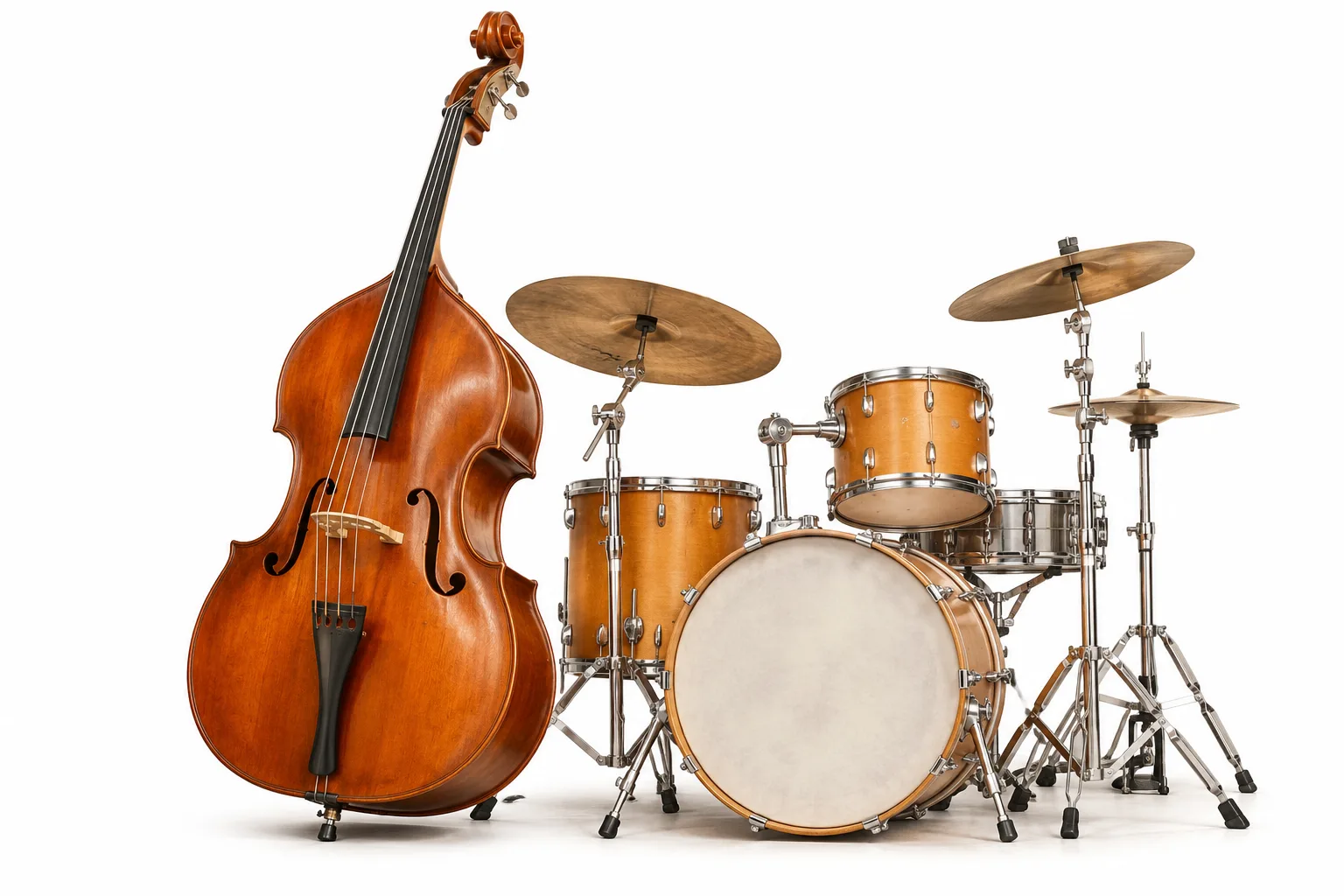
Multi-Genre Adaptability
Direct the style toward indie rock, trap beats, jazz piano, or electronic pop. Guide the production with descriptive prompts and custom negative tags.
How to Use AI Add Instrumental Online
1
Upload your vocals
Drop in one vocal recording in MP3, WAV, or M4A format. The system keeps your original vocal take centered in the mix.
2
Choose style and instruments
Describe up to 1000 characters of instruments and genre tags. Select your AI model, adjust audio weight, or exclude unwanted sounds.
3
Generate the arrangement
Spend 25 credits to run the engine. Within 2–3 minutes, download your finished music track or [split audio stems](/stem-splitter) for mixing.
Have a Vocal Take on Your Phone?
Add a complete backing arrangement now.
Key Features
Flexible audio upload
Accepts voice memos, studio takes, and a cappella lines in MP3, WAV, or M4A formats for effortless processing.
Granular style prompts
Type up to 1000 characters specifying instruments, acoustic textures, tempo feels, and moods to guide the AI music maker.
Exclude unwanted styles
Use up to 200 characters of negative tags to ban heavy distortion, harsh brass, or specific drums you do not want in the track.
Advanced engine tuning
Choose from six AI models such as V6 or V5_5, and tune parameters like style weight, audio weight, and weirdness constraint.
Tempo and key alignment
The backing arrangement follows your vocal phrasing, pitch, and rhythmic tempo so the whole song stays locked in groove.
Complete track export
Get a balanced music output ready for listening, demo sharing, or producing further with an [AI music video generator](/music-video).
Built for Vocal-First Workflows
🎤
Solo singers
Turn raw acapella recordings into fully arranged songs without booking studio musicians or learning complex digital audio workstations.
🎙️
Rappers and MCs
Upload your vocal verse and generate matching 808s, hi-hats, and synth melodies that complement your cadence and flow.
✍️
Songwriters
Flesh out rough melody ideas quickly. Test different chord progressions and instrumentations across multiple genre variations.
👥
Ensembles and choirs
Add rich orchestral swells or acoustic guitar accompaniment to vocal harmonies and group choruses for fast soundtrack creation.
What is AI Add Instrumental?
Elve provides an AI Add Instrumental workflow that analyzes your uploaded vocal MP3, WAV, or M4A file and builds a customized backing track beneath it. Rather than replacing your voice, the AI song generator composes complementary drums, chords, and bass lines adhering to your chosen style prompt. Each generation uses 25 credits and finishes in 2–3 minutes. Once created, you can export your song, [add vocals to an instrumental track](/add-vocals) in separate workflows, or inspect account settings. Usage rights follow your chosen plan and the terms of service detailed on the pricing page.
Frequently Asked Questions
What vocal recordings work best with AI Add Instrumental?
Clean vocal takes without background music yield the best results. Upload one audio file in MP3, WAV, or M4A format with minimal room reverb or background noise. If your source already contains instruments, use our stem splitter tool first to isolate clean vocals before running this tool.
Which musical styles and instruments can I choose?
AI Add Instrumental generates an original musical backing track that follows your uploaded vocal performance. Upload an MP3, WAV, or M4A vocal file, specify your desired instruments or genres, adjust style weights, and the AI produces a complete arrangement that complements your vocal pitch, tempo, and song structure directly in the cloud.
Will the generated instrumental match my vocal key and tempo?
Yes, the tool analyzes your uploaded audio to match the natural tempo, pitch, and rhythmic phrasing of your singing or rap. You can steer the arrangement by choosing generation models from V4_5PLUS to V6_WILD, defining style weights, and adjusting audio weight to keep the instrumentation locked to your vocal track.
What audio formats can I upload to add instrumental tracks?
You can upload one audio file at a time in MP3, WAV, or M4A format. Whether you have an acapella studio track, a rap verse, or a voice recording, upload it to the tool, enter detailed style and instrument prompts, and generate matching instrumental layers without complex DAW setups.
Can I use AI Add Instrumental for free?
New accounts receive 10 free credits upon signup. Running the Add Instrumental model requires 25 credits per generation, so you can purchase an on-demand credit pack starting at USD 9.9 for 800 credits or choose a monthly plan starting at USD 9.9 for 1,000 credits to produce complete songs.
Can I use the generated music commercially?
Usage rights depend strictly on your active subscription plan and the terms of service. Review our pricing page and terms of service for specific details regarding permitted uses, commercial projects, and licensing rules before publishing or distributing your generated tracks.
Build Full Songs with AI Add Instrumental
Upload your vocal recording, choose genres and production models, and let Elve generate full backing arrangements tailored to your performance.